Data not displaying
This article explains how to troubleshoot when data is not displayed.
- You may see the following messages and data may not be displayed:
- No matching data found.
- Data will be displayed from tomorrow onwards.
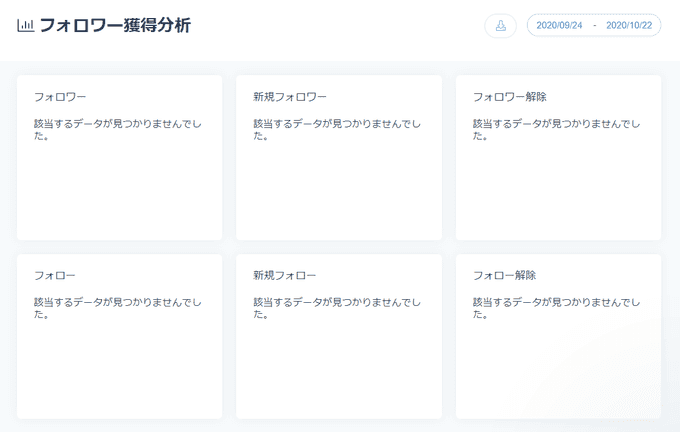
Reasons why data is not displayed
- Data like the following may not be displayed in SocialDog:
- Data not subject to acquisition
- Examples
- Some data from before Account linking to SocialDog
- Some data from periods other than during paid Plan usage
- Examples
- Data subject to acquisition but not yet acquired by SocialDog
- Immediately after linking Social profiles
- Immediately after adding Competitor accounts
- Immediately after Posts were made outside SocialDog
- Immediately after upgrading to a paid Plan
- Data not subject to acquisition
For data acquired before registration, please refer to Acquiring data from before linking Social profiles.
How to troubleshoot when data is not displayed
The following troubleshooting methods are available:
Confirm your email address
If you have not confirmed the email address registered with SocialDog, some data Refresh operations will not be performed.
For more information on email address confirmation, please refer to Change and confirm your email address.
Change the period
If you have specified a period for which no data for Analytics exists, Change it to a period for which data for Analytics exists.
For information on how to Change the period, please refer to Conveniently use Analytics features.
Wait for data to be acquired
If the latest data is not displayed, SocialDog may not have acquired the data yet.
The time it takes for data to be acquired varies depending on the type, but it may take up to 72 hours for the data to be displayed.
For details on data Refresh timing, please refer to Data acquired from SNS and acquisition timing.